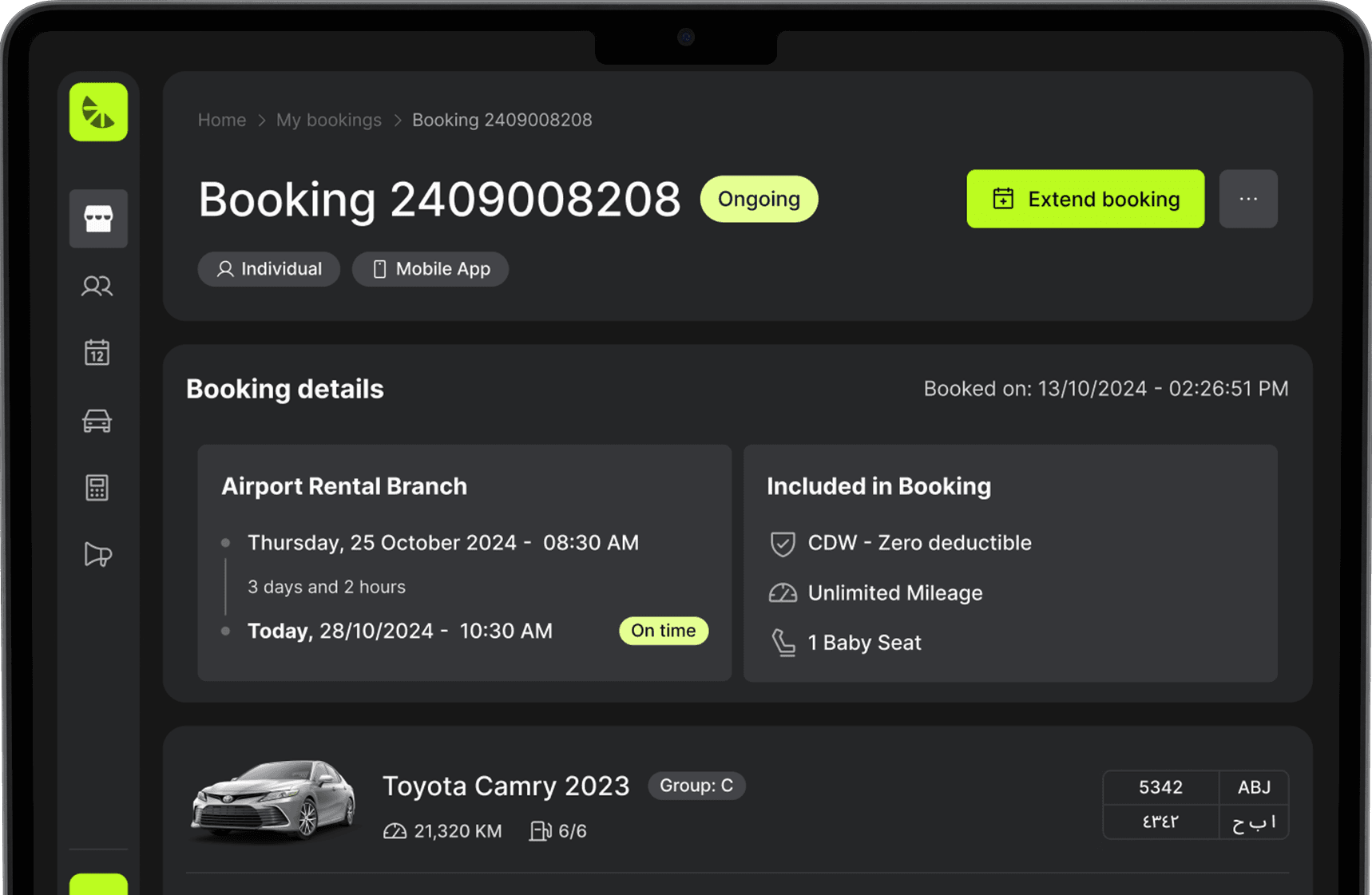
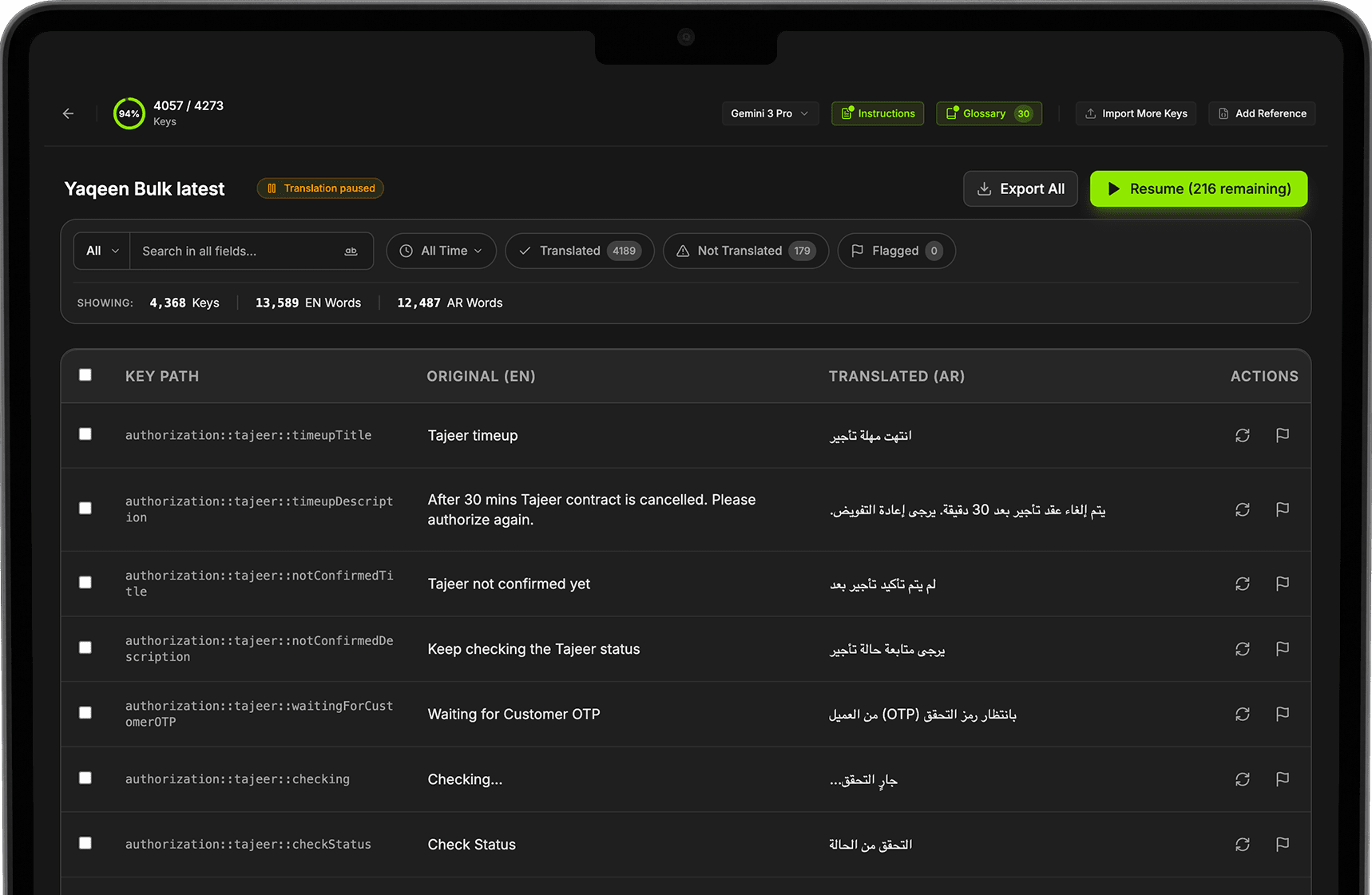
Design Handoff

Design Handoff is a tool I built to share AI-generated prototypes with developers, with design annotations shown directly on the screen. It closes the gap between design and engineering, so teams spend less time going back and forth and ship faster.
My Role
I designed and built the tool end to end, from defining the problem with the product and engineering teams to shipping it and using it daily in our own design workflow.
The Main Goal
Close the gap between design and development by making every prototype self-explanatory, reducing back-and-forth and design QA time so features ship faster.
Problem
The design team started using AI to build prototypes, which made delivery much faster. Since we can't work on the production repo, we clone it and build prototypes on the clones, so they look and behave like the real product.
But handing those prototypes off to developers wasn't that easy:
- 😢Specs live outside the prototype, in chats and separate docs
- 😢Hidden states like hover, focus and tabs are easy to miss
- 😢Developers inspect the code to guess styles and behavior
- 😢Every question means a meeting or a long thread
This led to:
- ❌Too much back-and-forth between design and devs
- ❌Long design QA cycles after implementation
- ❌Details lost between the prototype and the shipped feature
- ❌Slower delivery, cancelling out the speed AI gave us
Insight
Developers don't need another document, they need the answer right where they're looking. If the specs live on top of the prototype itself, most questions are answered before they're asked.
Solution
A lightweight layer that sits on top of any prototype. Anyone with the link can view and comment, so developers, PMs and stakeholders can ask questions right on the screen, and the same prototype works for developer handoff, team reviews and testing with users.
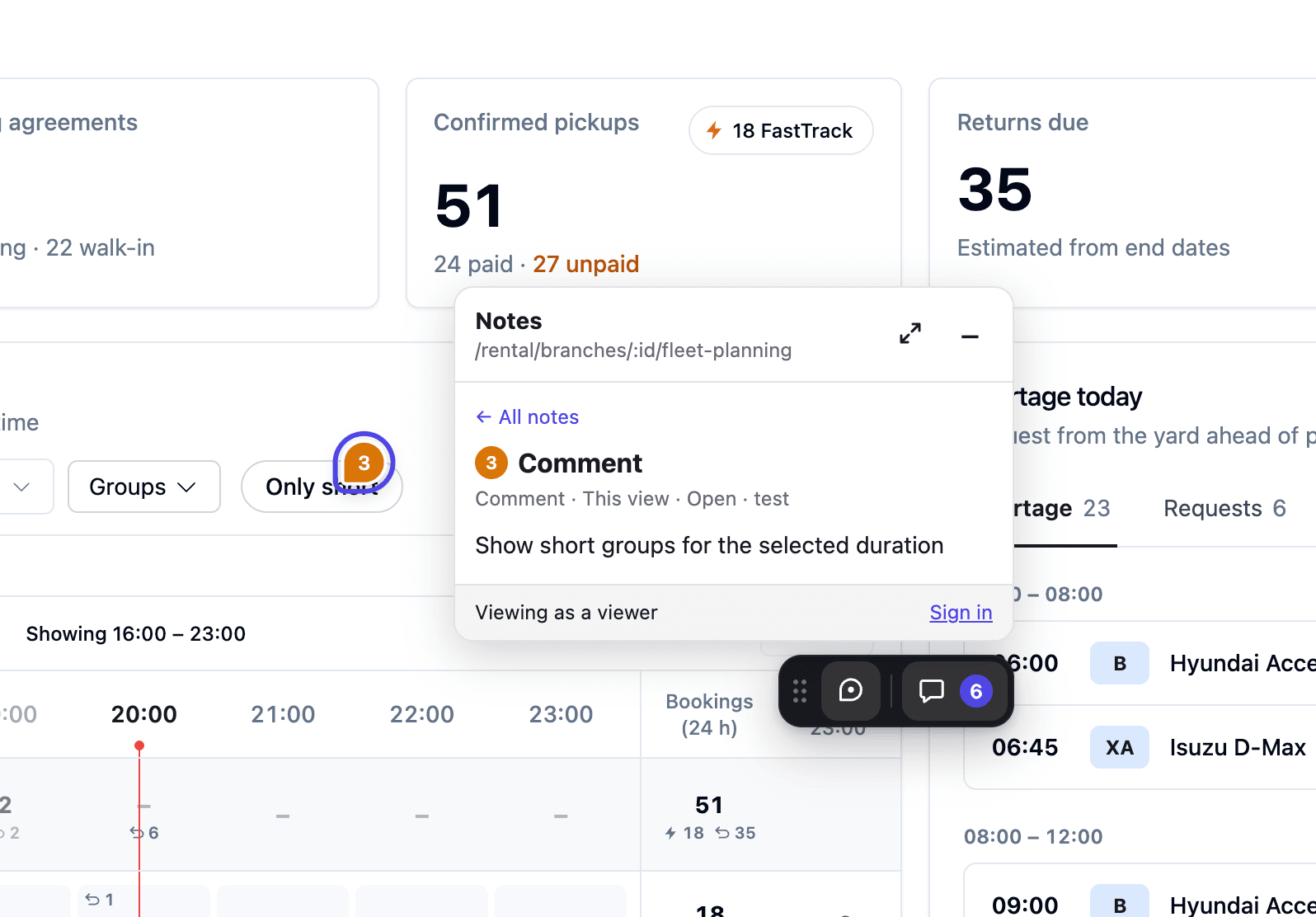
Annotations Directly on the Screen
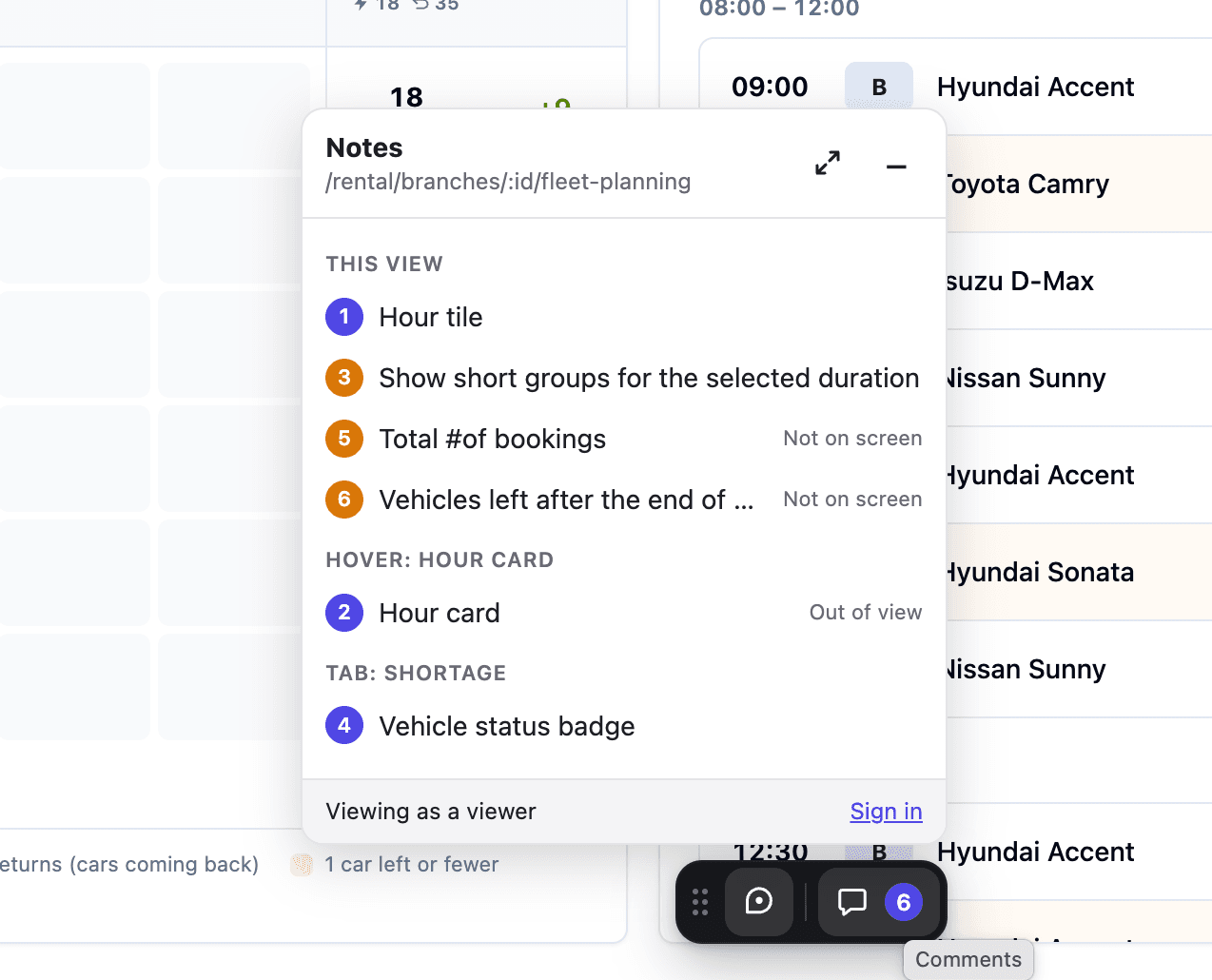
Notes and comments are pinned to any element on the screen. Each one is numbered and tied to the page route, so everyone sees exactly which part of the UI it's about.
Every Note in One Place
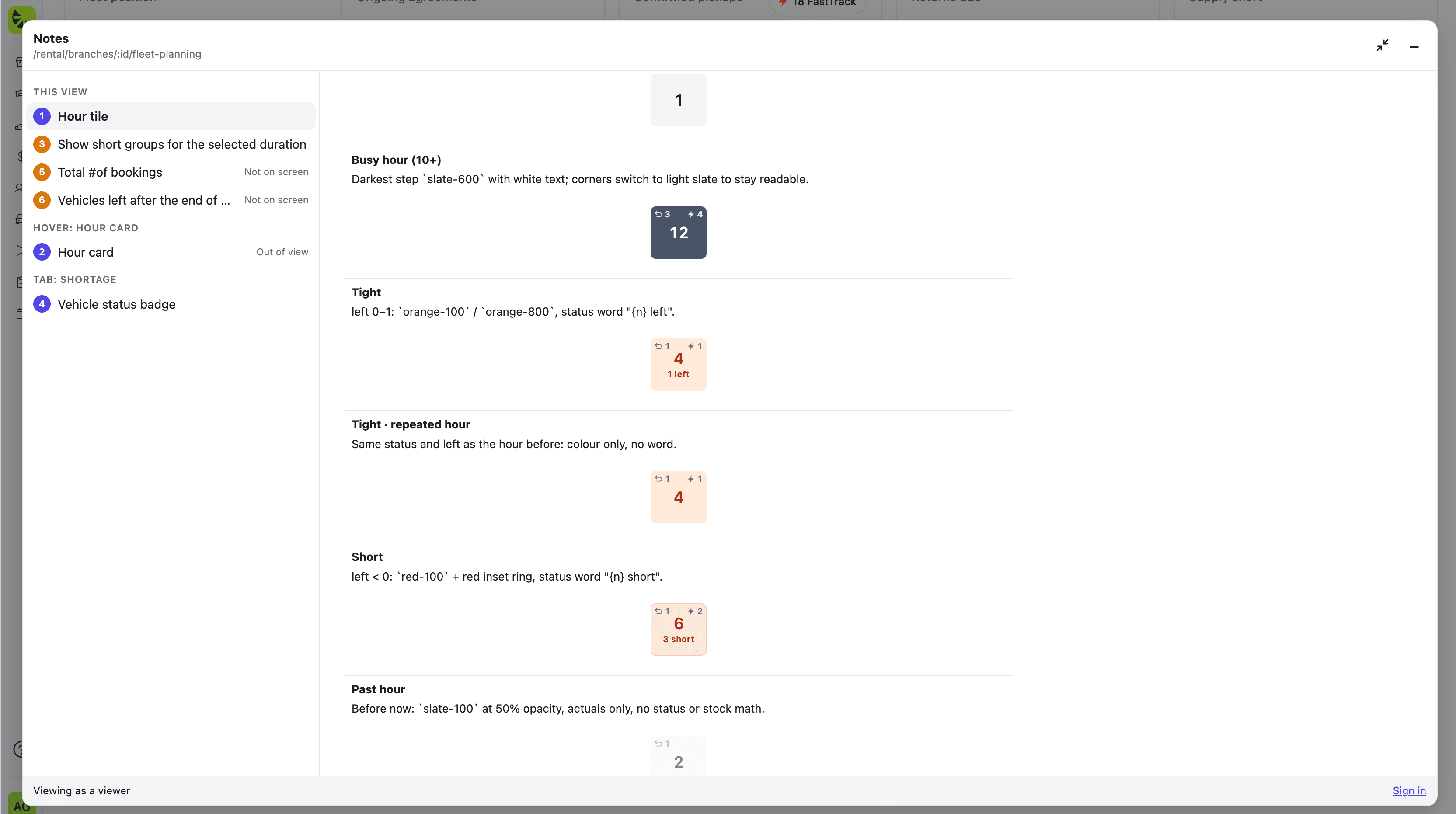
All notes are grouped by where they live: the current view, hover states and tabs. Notes that aren't visible are labeled "Not on screen" or "Out of view," so nothing gets missed.
Notes for Hidden States
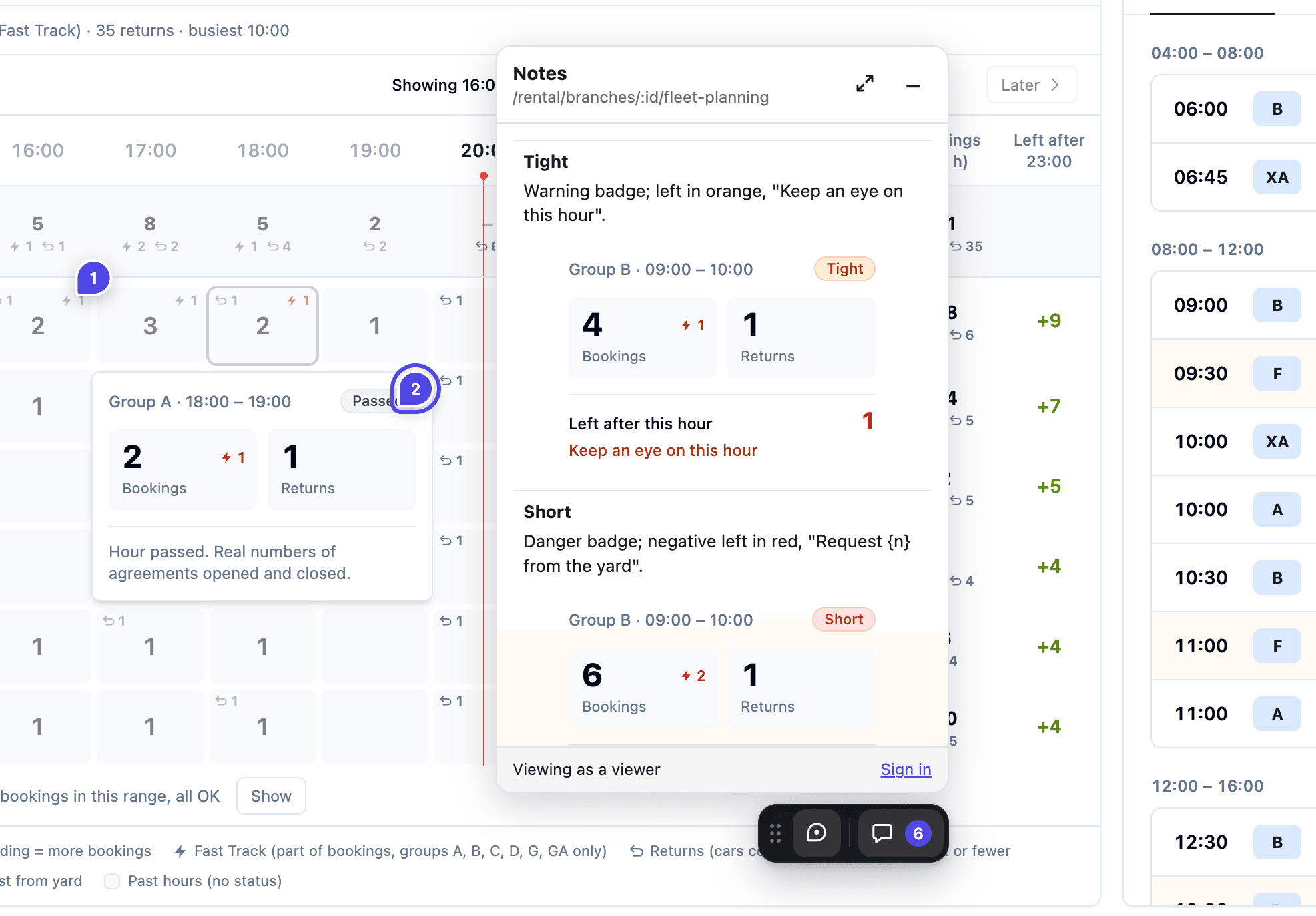
Hover cards, tooltips and states that are hard to trigger get their own notes, with each variant rendered live inside the note.
CSS Values Captured Automatically
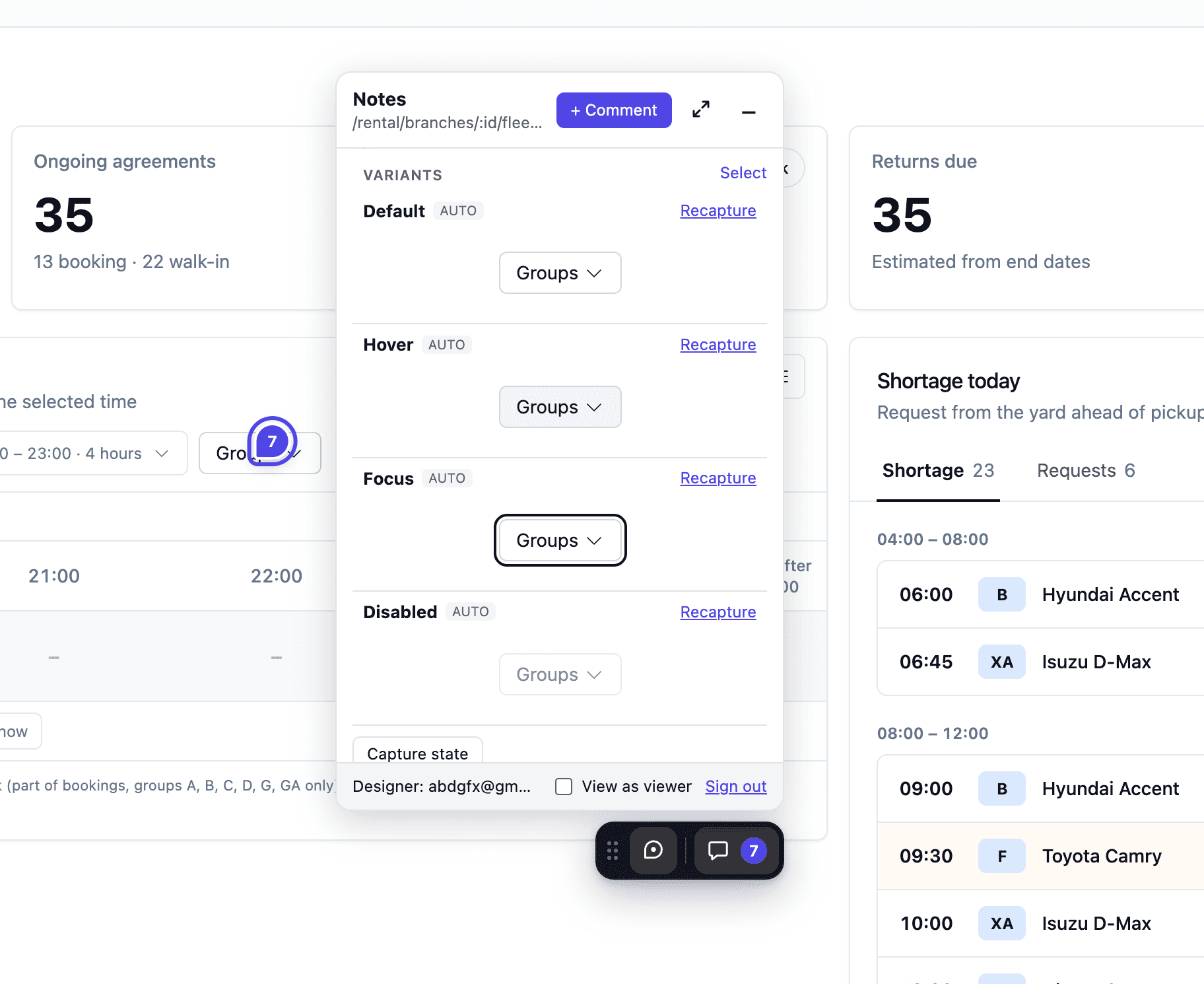
The tool captures the CSS values of every state automatically, Default, Hover, Focus and Disabled, so developers get the exact styles without digging into the code. States can be recaptured anytime the design changes.
Components Annotated with a Claude Skill
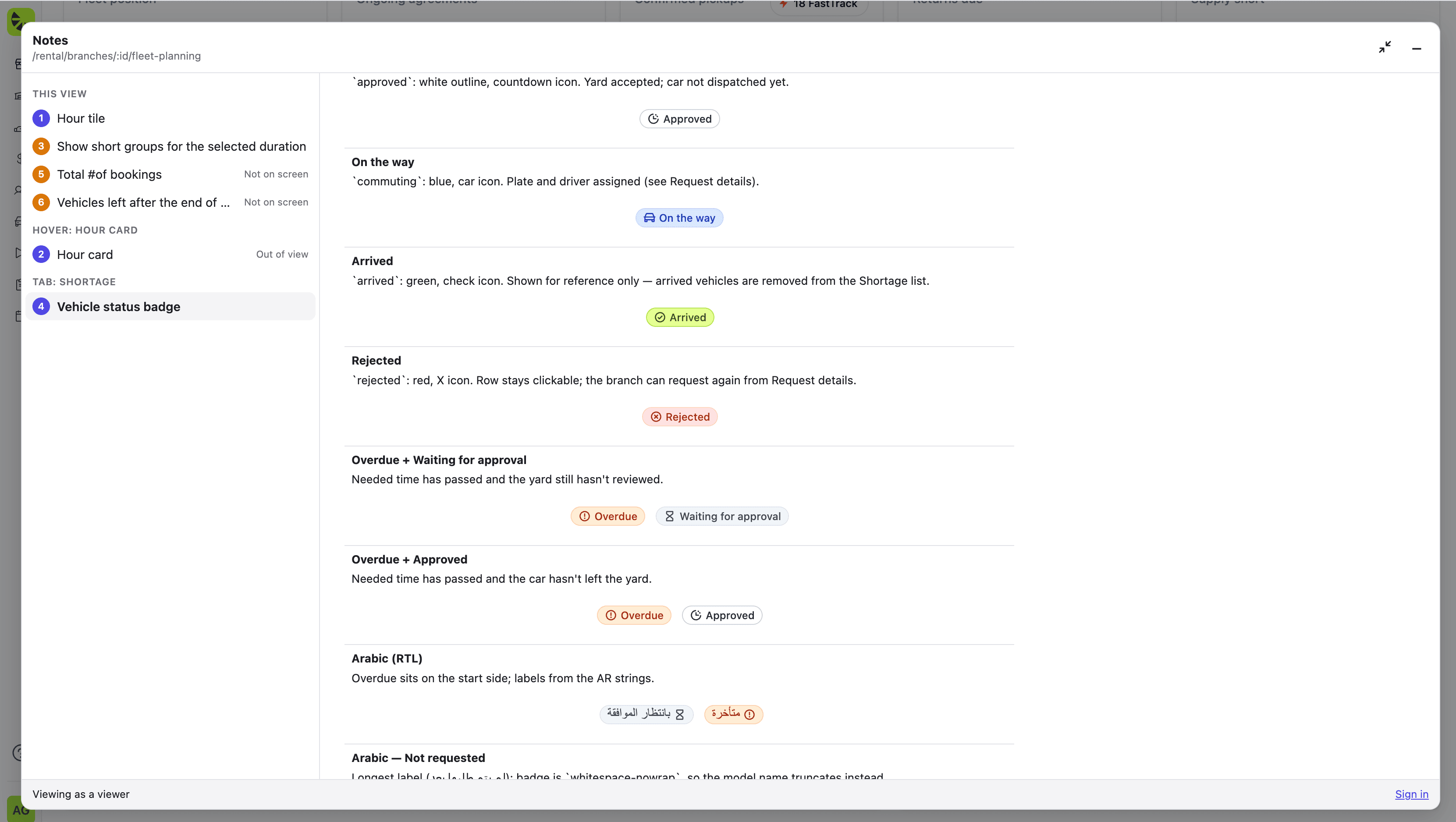
With the help of a Claude skill, components are captured and annotated automatically, documenting every variant with its tokens, behavior and Arabic (RTL) version, turning hours of documentation into minutes.
What's Next
We're planning to take the tool further with:
- Version history, to track how a prototype changes over time
- A PRD attached to every prototype, so requirements and design live in one place
Impact
The tool changed how we hand off designs and helped the team ship faster:
- 🚀Faster sharing of prototypes with the team through a single link.
- 🚀Prototypes used for testing with users right away, without extra setup.
- 🚀Less back-and-forth between designers and developers.
- 🚀Shorter design QA cycles, with specs available before implementation starts.
Read Next
Explore more case studies and projects.